Hiring overview
A complete applicant tracking system built into TracefyHR — post jobs, collect applicants, move them through your pipeline, and share to LinkedIn or X without leaving the portal.
The Hiring module is a full applicant tracking system that lives inside the same TracefyHR portal you use for payroll and leave. It opens at Hiring in the sidebar and breaks down into four tabs: Job Openings, Candidates, Talent Pools, and Analytics.
What it does in one paragraph
You post a job (5-step wizard, save anytime), TracefyHR generates a public careers page for it with structured data Google for Jobs reads, candidates apply through a form you control, and they land in the pipeline you defined. From there you move them through stages, send branded emails at each step, and pool the strong-but-not-this-role candidates for next time.
When to use Hiring
This module is built for the company that hires 1–30 people a year, hates per-seat ATS pricing, and wants their hiring data to live in the same place as their employee data. If you're running 20 reqs a quarter with five recruiters, an enterprise ATS still makes sense — for everyone else, this is the simpler answer.
Already hire someone via the careers page? Their record carries forward. When you eventually add them as an employee, TracefyHR pre-fills the basics from the application, so your new-hire flow is one form, not two.
The four tabs at a glance
Job Openings
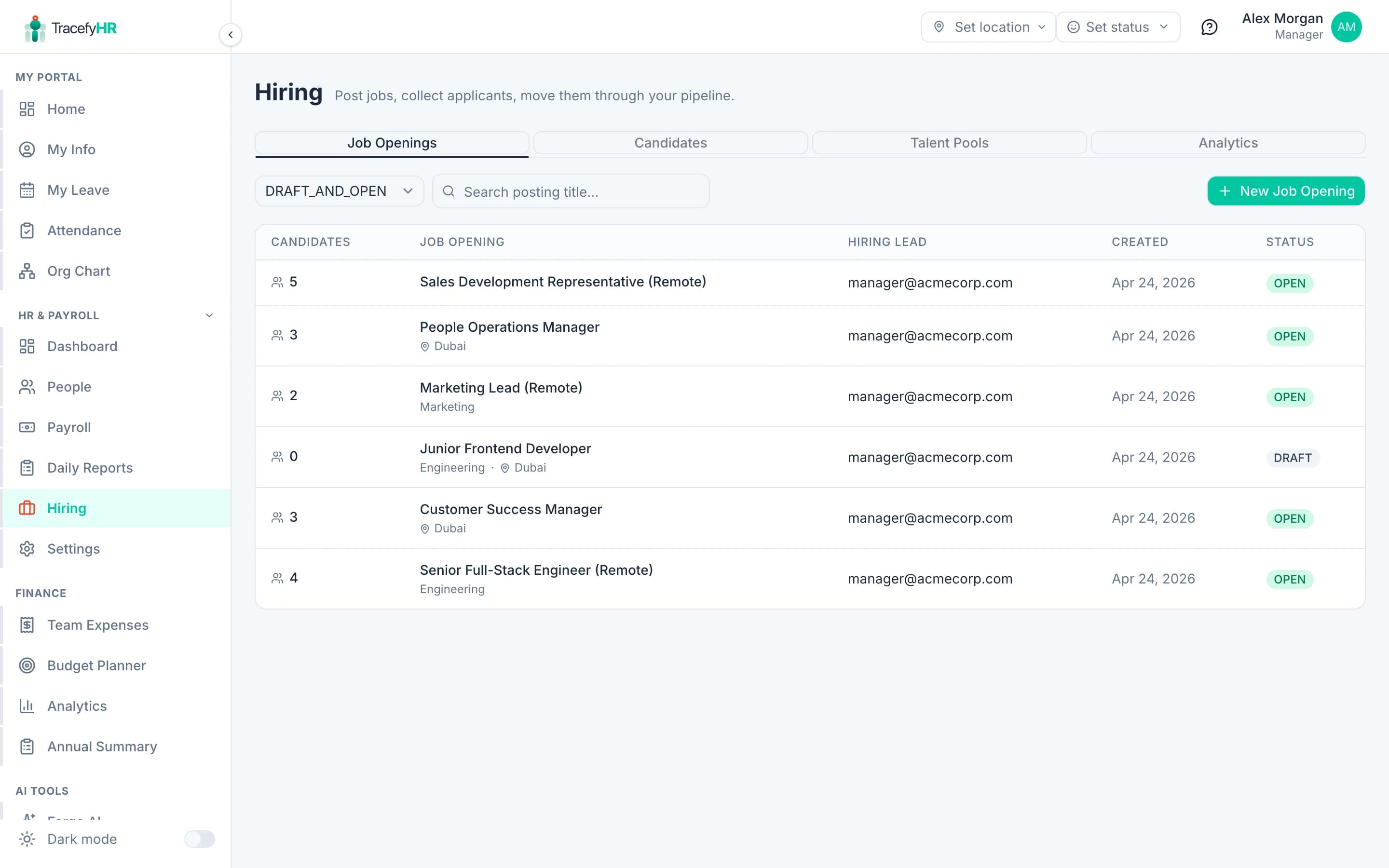
The list of every req — drafts you haven't published, open roles taking applications, holds, and closed jobs you've already filled. Click any row to see a public-style preview of what candidates will read on the careers page. Filter by status (Draft & Open by default), search by title, and create a new job from the + New Job Opening button on the right.
Candidates
Every applicant across every job, in one searchable list. Filter by stage, search by name or email, see their resume + answers + interviewer notes in one click. (Candidates tab ships with Phase 4 alongside the public apply form — until then it shows the demo data we seed for testing.)
Talent Pools
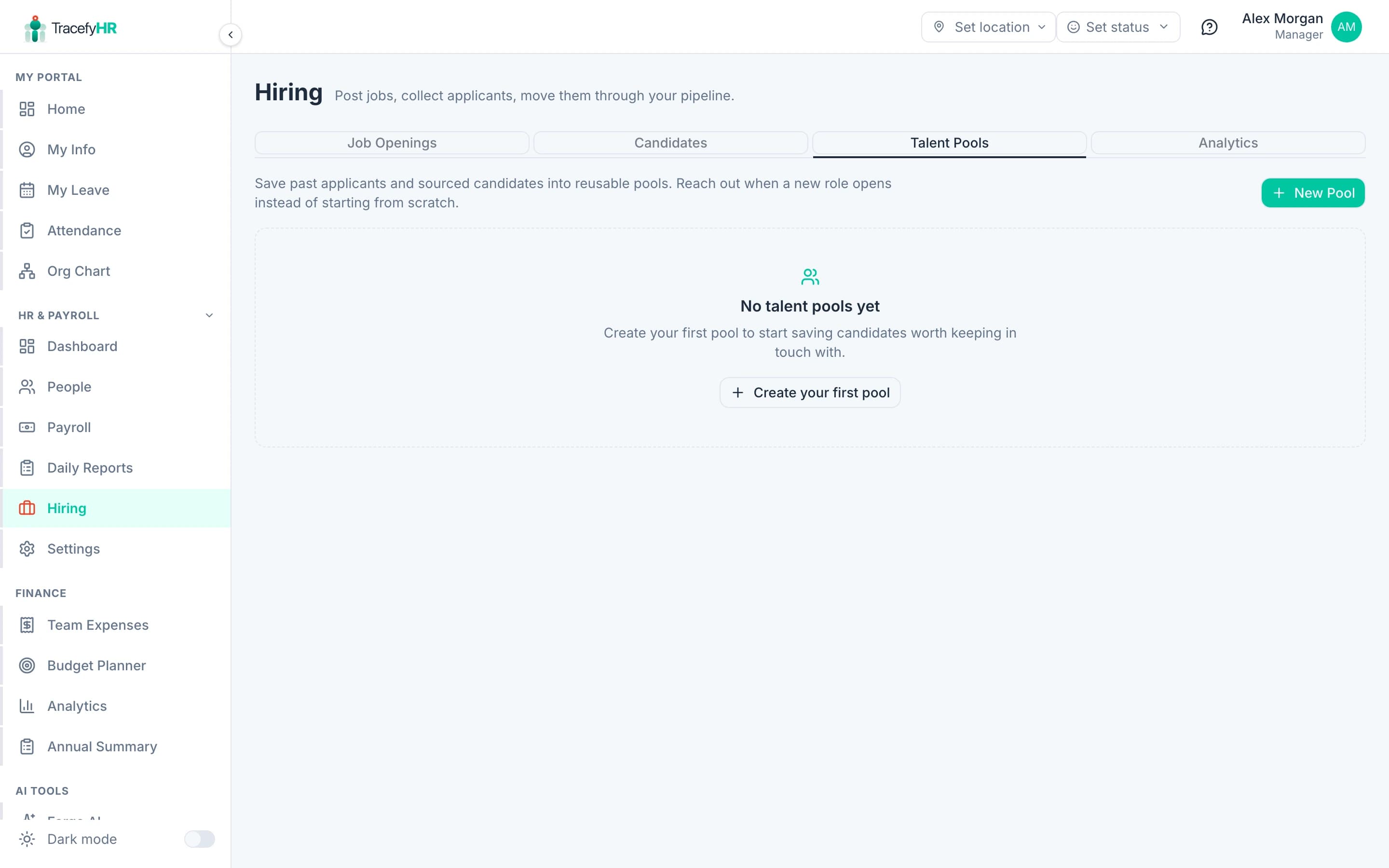
Curated buckets of past applicants and sourced candidates worth keeping warm. Add anyone manually (referrals, LinkedIn finds), or "save" a strong candidate from a closed job into a pool with one click. When the next role opens, you start with a warm shortlist instead of an empty page.
Analytics
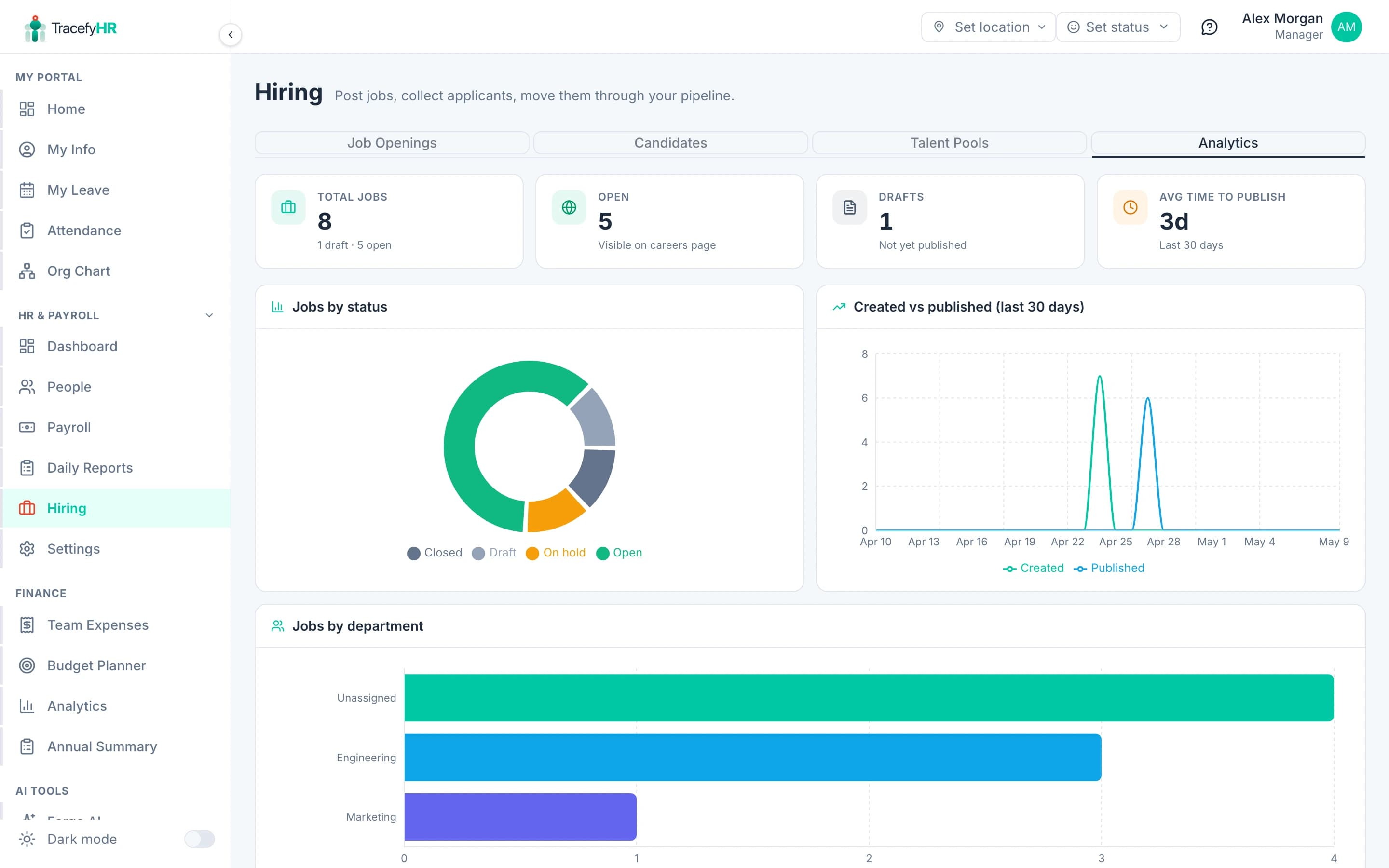
KPIs and charts for everything that matters: total jobs, open count, drafts sitting too long, average time-to-publish, status mix, department breakdown, employment-type spread, and a 30-day timeseries of created vs published roles. Refreshes the moment a draft goes live.
How it fits with the rest of TracefyHR
- Departments — your existing department list drives the Department dropdown on every job. No duplication.
- Permissions — Hiring is gated by
canAccessHiring(default ON for HR + Manager). You can revoke a single HR user's hiring access without touching their other permissions. - Forge AI — the same Gemini-backed feature builder that powers Forge will, in a later phase, score candidates against the job description automatically.
- Employees — when you mark a candidate as Hired, their record links into the employee directory the moment you create the employee row.
Where to start
If this is a brand new tenant: jump to Posting a job for the 5-step wizard walkthrough. If you've got jobs live and want to keep candidates moving: see Candidate pipeline and pools.
For the leadership view — what's hiring well, what's stuck — start with Hiring analytics.
Last updated 2026-05-09